1
Film one swing
Record in the app or import a clip. Choose face-on or down-the-line, your club, handedness, and current goal.
Your AI golf coach
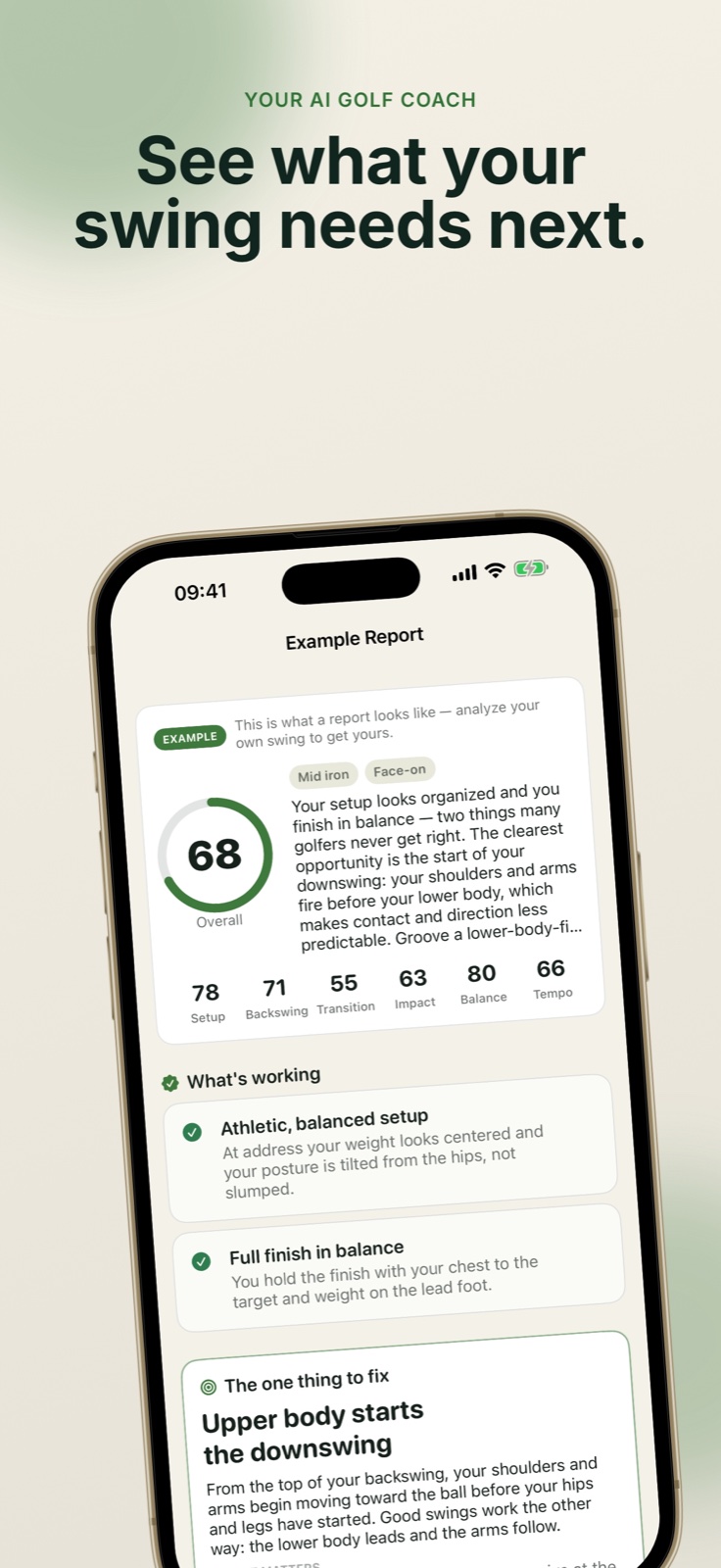
Record or import one swing and turn it into useful feedback: what already works, the one change worth making next, and drills built around that priority.
No launch monitor. No account. Your original videos stay on your device.
A simpler feedback loop
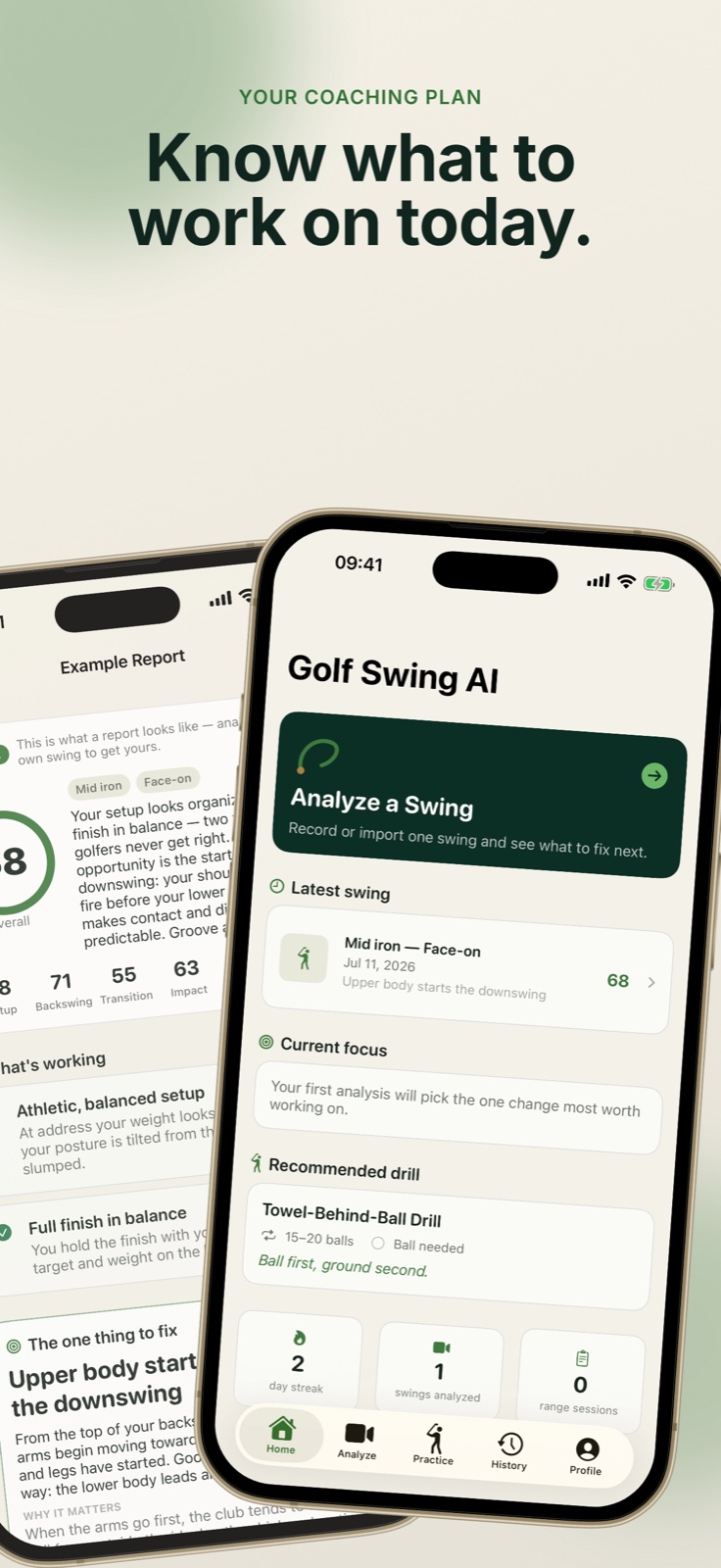
Golf improves when feedback becomes a specific practice plan. Golf Swing AI connects the swing you filmed to the move you should work on next.
Record in the app or import a clip. Choose face-on or down-the-line, your club, handedness, and current goal.
See strengths first, then a phase-by-phase breakdown and one visible improvement priority explained in plain language.
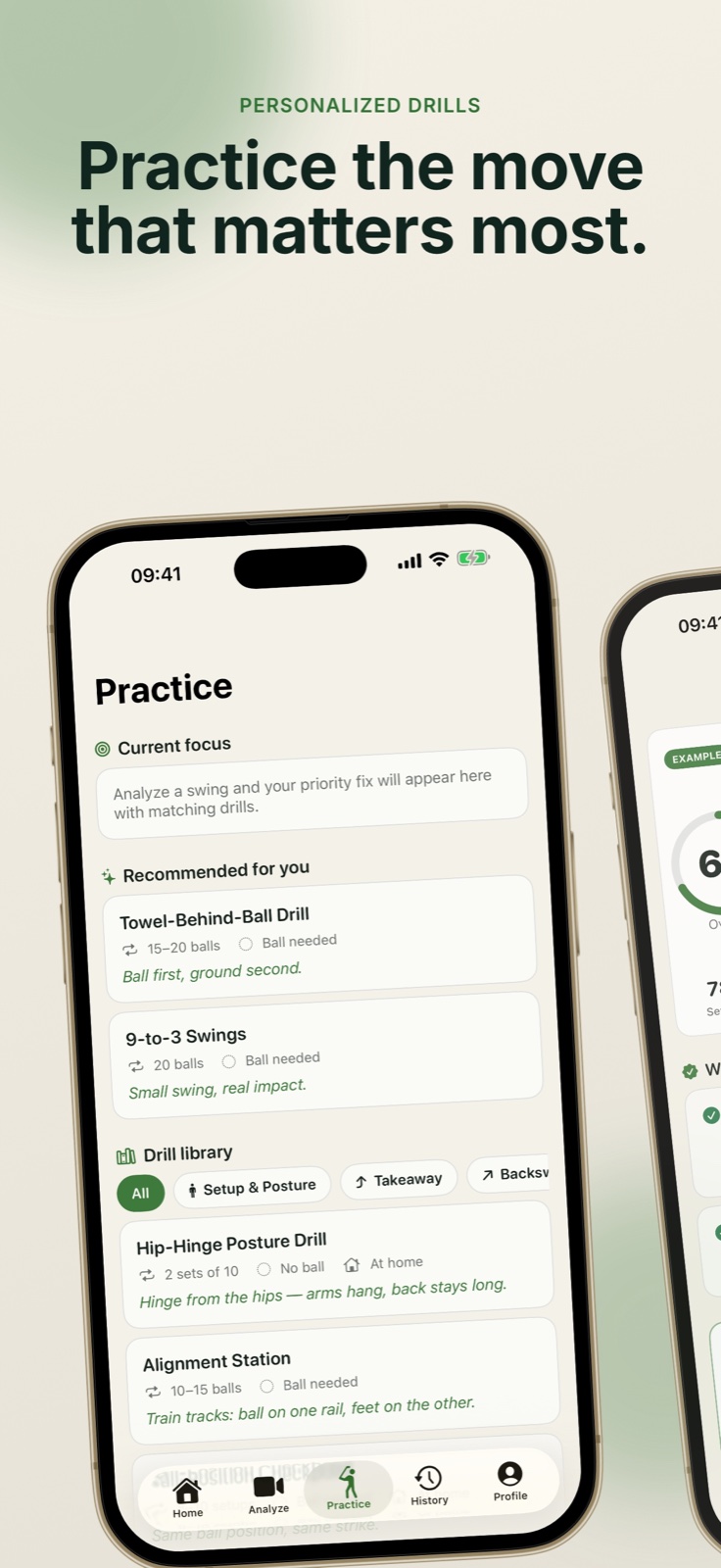
Use matching drills with reps and cues, then log the range session and compare how your swing changes over time.
A coach that stays focused
The app is intentionally conservative. It reports what can actually be seen in your video and avoids inventing club speed, launch numbers, or ball flight.
Private by default
The original video and your journal remain on your device. Analysis begins only when you ask for it, using selected still frames rather than uploading the video or its audio.
Read the privacy policyGood to know
No. Golf Swing AI is an educational training aid. It can make video feedback more useful, but it does not replace an in-person coach and does not provide medical or injury advice.
The example report, drill library, and range journal remain available without a subscription. Premium unlocks AI analyses, full history, and comparisons. Exact regional prices appear before purchase.
Use Restore Purchases from the app. Manage or cancel through iPhone Settings → Apple Account → Subscriptions. Billing and refunds are handled by Apple.
Email bluealpine@pm.me. Include what you were doing and your iOS version, but do not email private swing videos unless we explicitly ask for one.